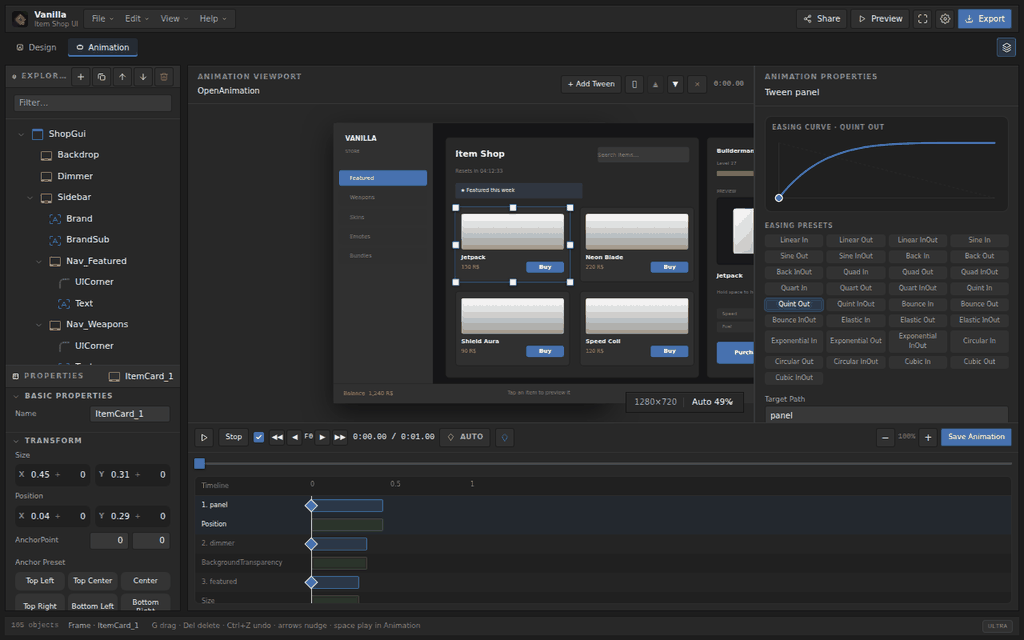
Drag and drop your layout, edit properties the way you would in Studio, build tween animations on a real timeline, then export clean Luau. No downloads, no plugins.
Features
A full Studio-style workflow, from first frame to exported script.
A drag-and-drop canvas with resize handles, snapping, zoom and pan. Frames, text, image buttons, scrolling frames, Path2D and more.
A familiar object tree beside a properties panel for transform, appearance, text and gradients — edited live on the canvas.
Build tweens on a real timeline: draggable keyframes, easing curve previews, auto keyframe while you move objects, and scrubbing that matches runtime.
Shape Path2D control points with bezier handles, adding and removing points directly on the canvas.
Write LocalScripts and ModuleScripts with syntax highlighting and built-in StyLua formatting.
Emit a Luau LocalScript, a JSON project, or a Rojo bundle. Copy to the clipboard in one click.
A short GPU probe picks a quality tier for the device, so glass and blur effects stay smooth on weaker hardware.
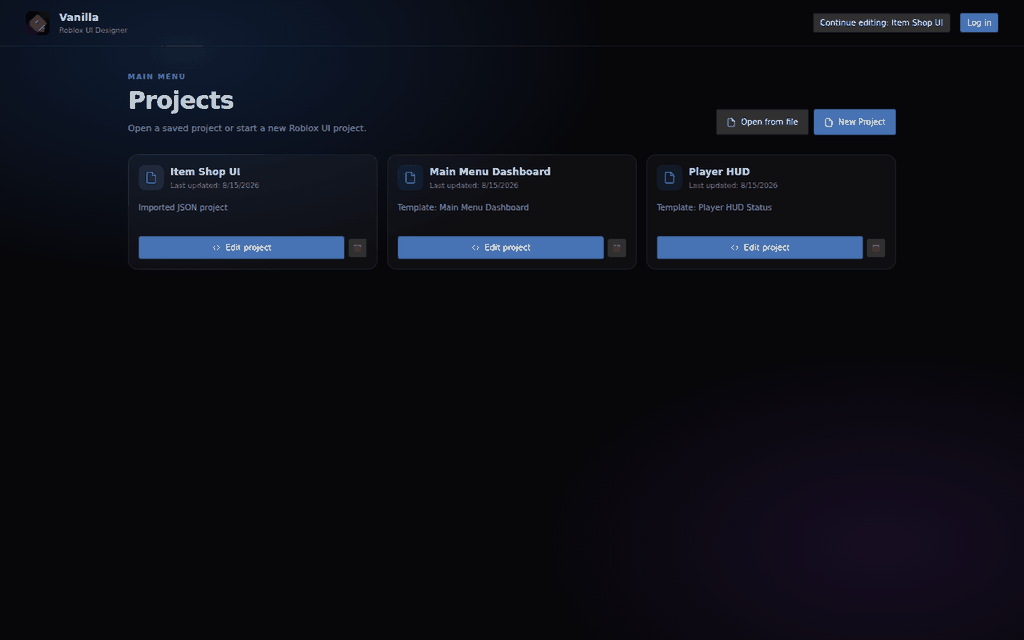
Install it as an app and keep working without a connection. Projects are saved locally in IndexedDB, in English or Vietnamese.
Touch gestures, pinch to zoom and a landscape fullscreen layout, so phones and tablets are first-class.
Showcase
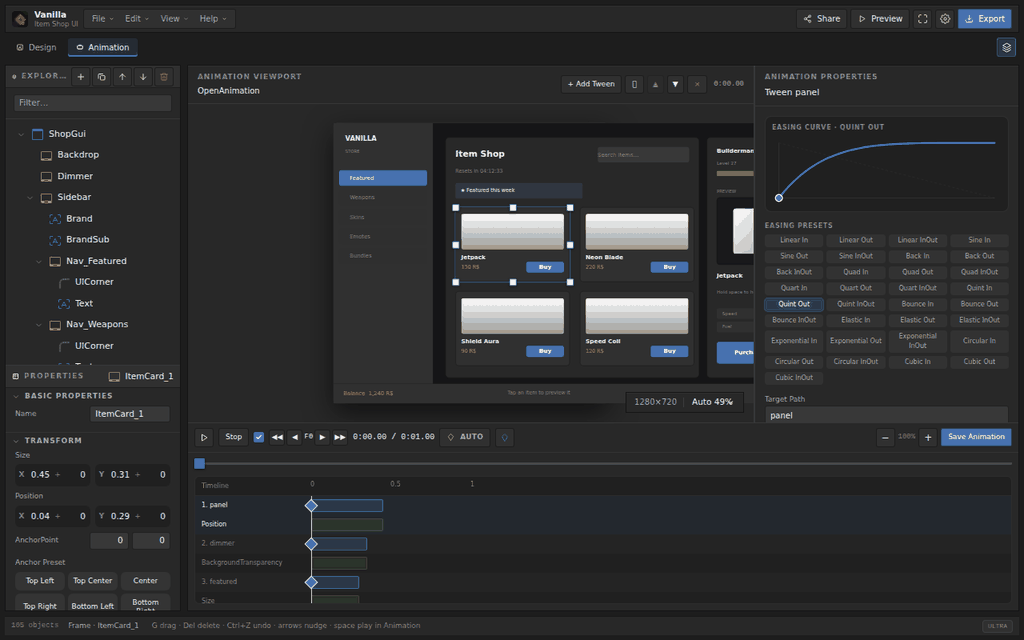
Screenshots taken straight from the editor.
Open the editor in your browser, or install it as an app.